LimeNQR#
|
|---|
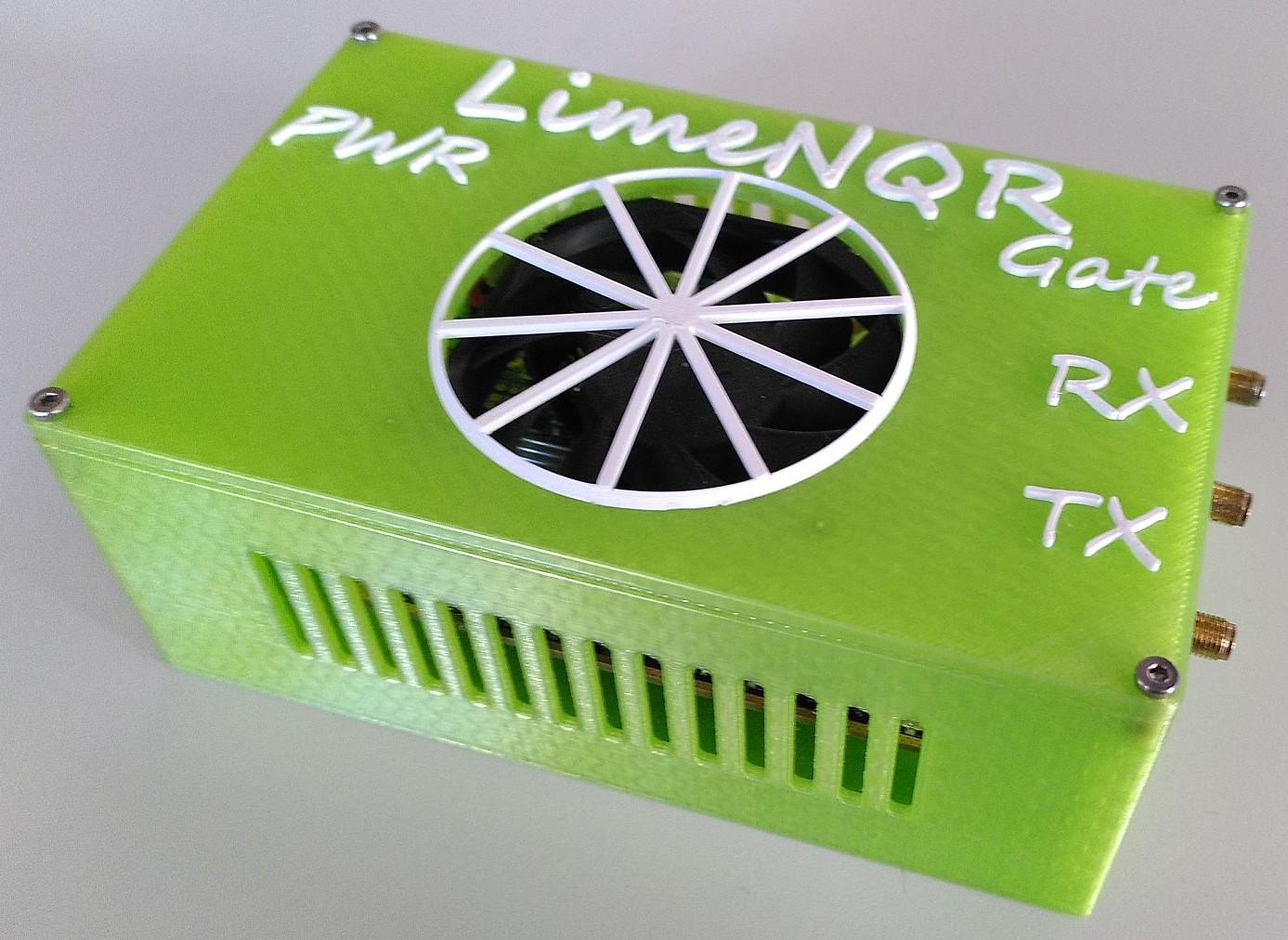
Figure: Picture of the LimeNQR spectrometer. |
Connections#
The LimeNQR has 5 different connections:
Gate: This is the connection to the Gate of the Power Amplifier. It is used to turn the RFPA on and off. It’s a SMA connection.
TX: This is the connection to the Pre Amplifier. It is used to send the TX pulse to the probe coil. It’s a SMA connection.
RX: This is the connection to the Low Noise Amplifier (LNA). It is used to receive the signal from the probe coil. It’s a SMA connection.
PWR: This is the connection to the 12V Power Supply. It is used to power the LimeNQR. It’s a 2.1mm DC Jack. You can do loopback measurements without the power supply, but you won’t be able to read a Gate signal.
USB: This is the connection to the computer. It is used to control the LimeNQR. It’s male USB Type A connection (you need a female USB for connection).
Notes#
The LimeNQR has a cooling fan that is turned on when the 12V Power Supply is connected.
The LimeNQR has a gate signal that is enabled on when the 12V Power Supply is connected. However the gate signal stays low until you output a pulse. The gate signal is high during the pulse and low otherwise as specified in the spectrometer settings.
Don’t go higher than a sampling rate of 30.72 MHz. This makes the communication between the LimeNQR and the computer unstable.
If you get an error when running measurements with the LimeNQR spectrometer, try another USB port. USB 3.0 ports are recommended. Also try to use a port that is directly connected to the motherboard.